
Today, using image compression tools is very important, especially if you have an online business. Business owners who have websites often use a ton of images on their homepage, articles, etc. It is important to compress these images before using them they can slow down a website and may have a negative SEO impact.
4K image compressor, HitPaw Univd, and Wondershare UniConvertor are some of the popular options these days. Now, let’s dive deeper and find the right compression tool for your needs.
Wondershare UniConverter
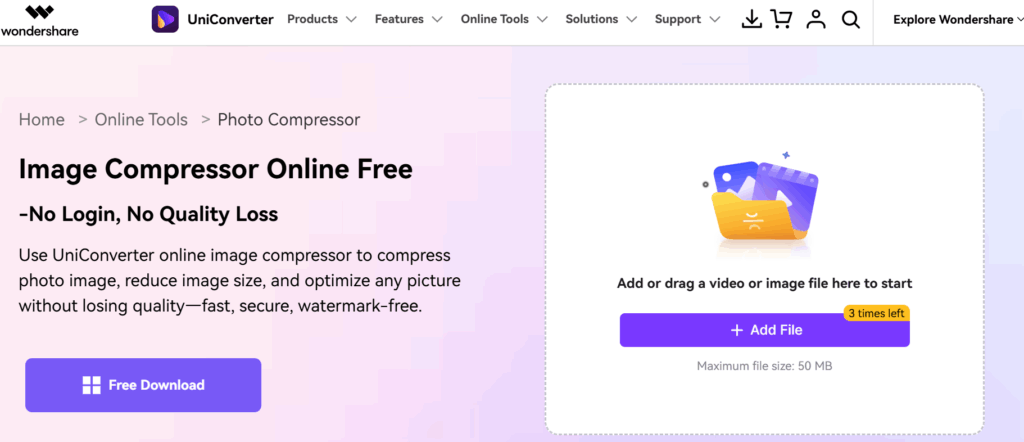
Wondershare is known for offering a range of tools, including an image compressor. This feature is a part of their UniConvertor tools. Unlike the ‘4K Image Compressor’, you will get more tools included in Wondershare’s UniConverter. A good compression tool reduces image size with minimal quality loss. These tools are great for businesses that rely on visual clarity, for example, product images in ecommerce stores or photography portfolios.
Key Highlights:
- It is capable of compressing images without any loss in quality.
- You can check out the free trial if you are unsure about downloading.
- Image compressor is one of the tools included in UniConverter.
Pricing:
For individuals:
- Yearly Plan: $49.99/year
- Perpetual Plan: $79.99 (One-time payment)
- 2-Year Plan: $69.99 (for 24 months)
For Businesses:
- $59.99 for 1-year access for 1 user
- You can add up to 5 users and adjust the pricing accordingly.
4K Download
Tool Name: 4K Image Compressor
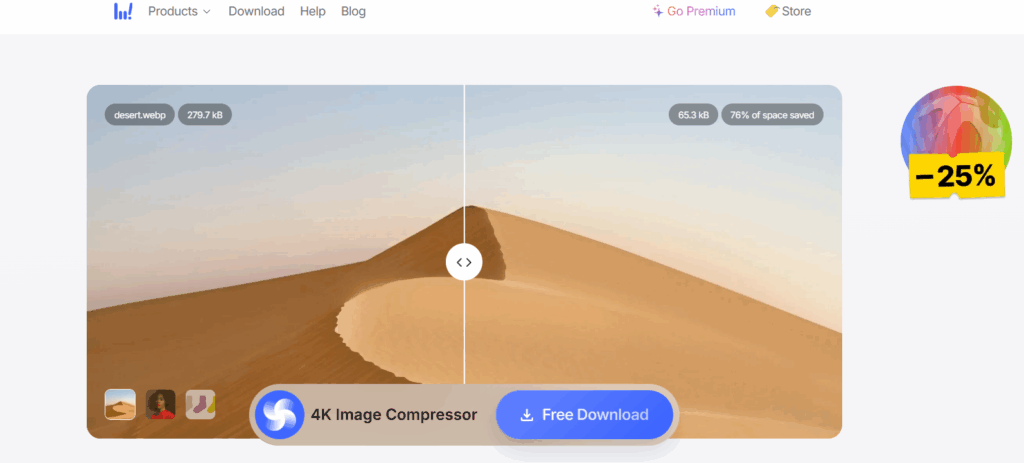
I’d recommend getting the Pro license for the 4K image compressor if you have a business or plan to use it for any commercial purpose. Compressing 1 image from 279.7 kB to 65.3 kB may not seem that big, but it makes a significant impact when it’s done on thousands of images across the website.
Businesses spend a ton of money on SEO, and compressing the images is part of it. Large image sizes on a page may increase loading times and bounce rates.
Key Highlights:
- Does it provide any free trials?: Yes
- Purchase the lifetime license if you plan to use it commercially.
- Suitable & affordable option for professionals.
- CouponzGuru lists the latest coupons to provide additional savings on 4K Download purchases.
- A lifetime license is far better than making monthly payments.
Pricing:
- Starter plan: Free Download available
- Pro License: $15/lifetime (One-time payment)
AVS4YOU
Tool Name: AVS Image Converter
AVS4YOU offers a range of multimedia tools, including the image compression feature. This feature is available in their AVS Image Converter tool, which also helps you resize and convert images to other file formats. It is available on Windows 11, 10, 8, 7, Vista, and XP.
Is it supported on old Windows OS?: Yes
Key Highlights:
- The AVS Image Converter is one of the free tools offered by AVS4YOU.
- Features a beginner-friendly user interface. You can check out the AVS tutorials on YouTube to understand how it works.
- Get access to their 5 programs by purchasing the 1-year or Unlimited subscription.
Pricing:
- AVS Image Converter: Free
For other AVS4YOU tools:
- 1 Year Subscription: $49 ( for 1 year access)
- Unlimited Subscription: $79 (One-time payment)
AnyMP4
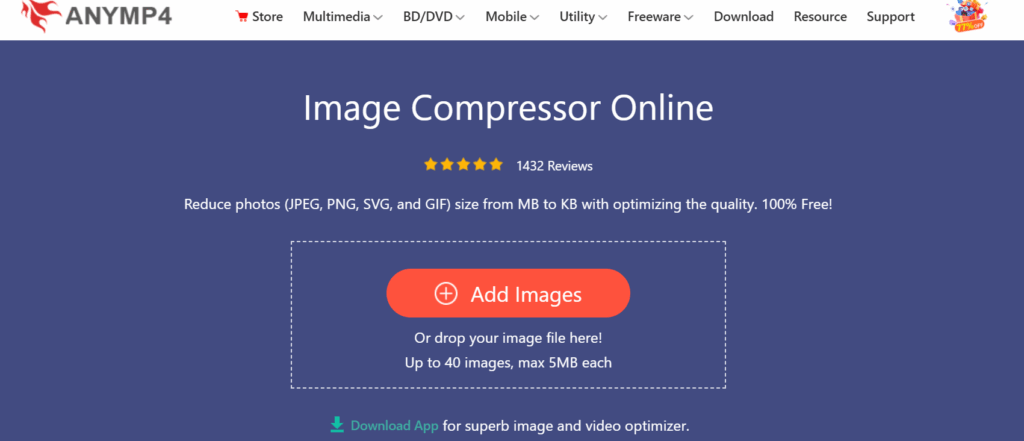
AnyMP4 is a great image compression tool if it’s for personal use. Another common restriction of free image compression tools is limited bulk compression. You cannot compress more than 40 images at a time, which are max 5MB each. I would suggest this tool if you plan to use it occasionally.
Key Highlights:
- One can upload up to 49 images only.
- Click the Add images button or drop your files directly.
- You can instantly compress in bulk, whether they’re in JPEG, PNG, SVG, or GIF format.
- You can start using this tool by clicking the button below.
Pricing:
- AnyMP4 Image Compressor: Free to use.
HitPaw Univd
The HitPaw Univd is one of the popular tools for batch compression. This makes it really convenient as you don’t have to process images one by one. You can fine-tune the compression parameters to meet your different needs. You should buy the perpetual license if you plan to use it long-term. I often suggest this to most content creators, so that they can pay a big one-time fee and be done with it.
Key Highlights:
- Free Trial Available: Yes
- You can cancel the paid subscriptions at any time.
- It supports all major image formats, such as JPG, PNG, WebP, etc.
Pricing:
- 1-Month License: $19.95/month
- 1-Year License: $39.95/year
- Perpetual License: $79.95 (One-time payment)
TinyPNG
Best For: Compressing WordPress Images and Figma Designs
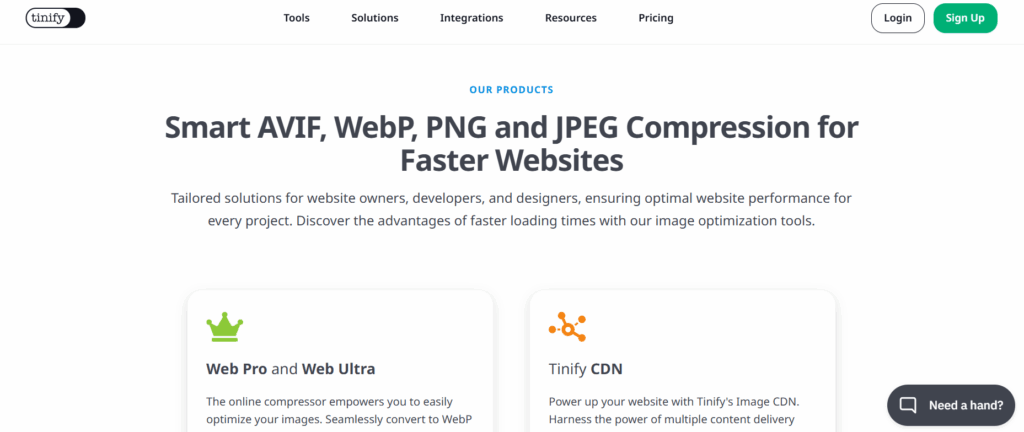
TinyPNG image compression tool is well known among WordPress bloggers and graphic designers. Many UI/UX designers today compress their designs before sending them for client approval. This is very useful when you’re sending a bunch of designs that can be downloaded easily. The WordPress and Figma plugins are major integrations available, making it ideal for creative professionals.
Key Highlights:
- Designers can use TinyPNG tools to compress their Figma designs.
- Unlimited image compression is not available on the free plan.
- I would suggest getting the Web Ultra plan for the highest upload file size limit, which is 150 MB per image.
Pricing:
- Web Free plan: $0/month
- Web Pro plan: $3.25/month
- Web Ultra plan: $12.42/month
Concluding Thoughts
If you are an SEO analyst or own any domain, then I would say that getting an image compression tool is a must. Make sure you get a commercial license when you are purchasing a plan. People who just compress the images when sending them to someone over email don’t need a paid subscription. Hence, free image compression tools are more than enough for occasional users.