
AI music generator tools can be great for experimenting with new music without wasting too much time. Tools such as SOUNDRAW, Soundverse, Udio, and Suno have made a name for themselves in the generative AI industry.
Before we begin, we must know that these tools are not AT ALL a replacement for human creativity and are just meant to assist us in music creation. People who played in the orchestra thought they would get replaced when MIDI production became popular, but all it did was create a new industry instead of replacing one. The same thing will likely happen with AI.
SOUNDRAW
People who are into music production know that creating a great soundtrack or music can take a while. It is not the process of composing music that causes this, but finding the right ideas. With SOUNDRAW, finding new music ideas becomes easy.
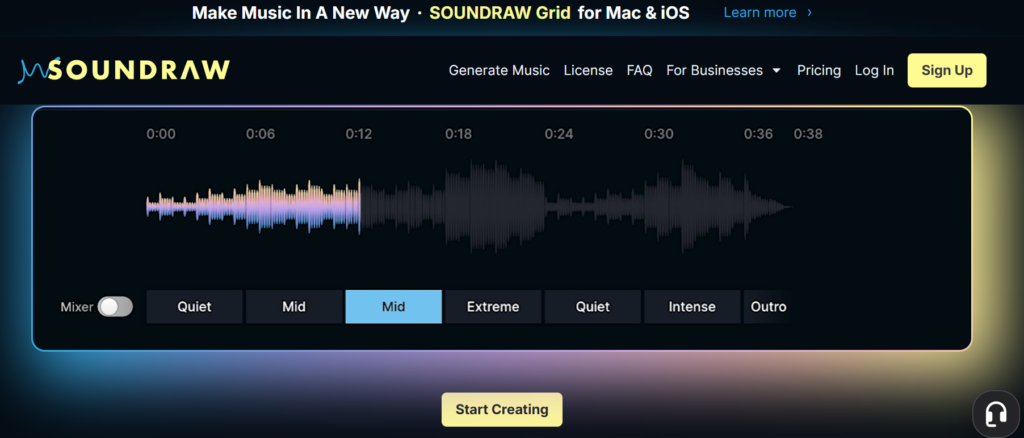
It can create: Hip Hop, Trap, Drill, R&B, Beats, and countless other music tracks.
Note: Try not to copy or emulate someone’s music while creating music
Main Highlights:
- A great alternative for generating copyright-free music.
- It is suited for both music producers and users without any technical skills.
- You can export music in MP3, WAV, and stems.
- Don’t forget to check offers on CouponzGuru for affordable pricing on annual plans.
Pricing:
- Creator plan: $5.99/month
- Artist Starter plan: $10.49/month
- Artist Pro plan: $12.59/month
- Artist Unlimited plan: $17.49/month
- Enterprise plan: Custom pricing
Soundverse
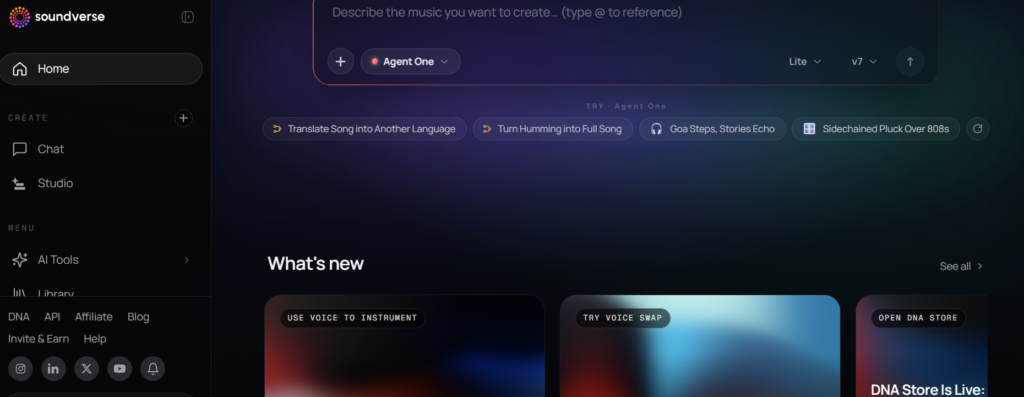
The Soundverse AI music tool features an AI chatbot-type user interface, where you could just describe what music to create. I also noticed another feature where you could record yourself humming and turn it into songs. This is how most music ideas come to life for most video producers. It is also useful for content creators and other casual users who have no technical skills for creating music.
Main Highlights:
- This tool also generates voice-overs along with music.
- These tools are not meant to replace human talent.
- It can help you enhance your overall productivity and explore new ideas.
Pricing:
- Free plan: $0/month
- Creator plan: ₹399/month
- Pro plan: ₹1,039/month
- Max plan: ₹2,399/month
- Enterprise plan: Custom pricing
Udio
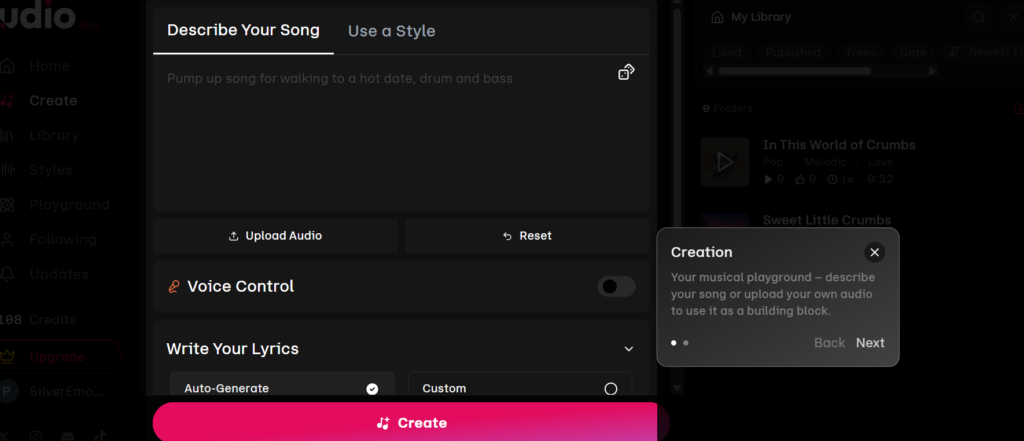
From my experience, I found the Soundverse user interface better for non-technical users because it’s more dumbed-down and straightforward. On the other hand, Udio has better control features such as ‘Use a Style’, ‘Voice Control’, and the option for writing your own lyrics.
Getting the Udio Pro plan would be a great option if you’re a music producer, because you get more than enough credits. If you’re just going to use the tool occasionally, then get the Free or Standard plan.
Main Highlights:
- You get 100 credits monthly on the Free plan. This plan is not enough if you’re looking for a long-term tool for music creation.
- The credit limit is 10 credits per day.
- The simultaneous song generation limit is 4 songs.
- The Standard and Pro plans offer way more credits, such as 2400 and 6000, respectively.
Pricing:
- Free plan: $0/month
- Standard plan: $8/month
- Pro plan: $24/month
Suno
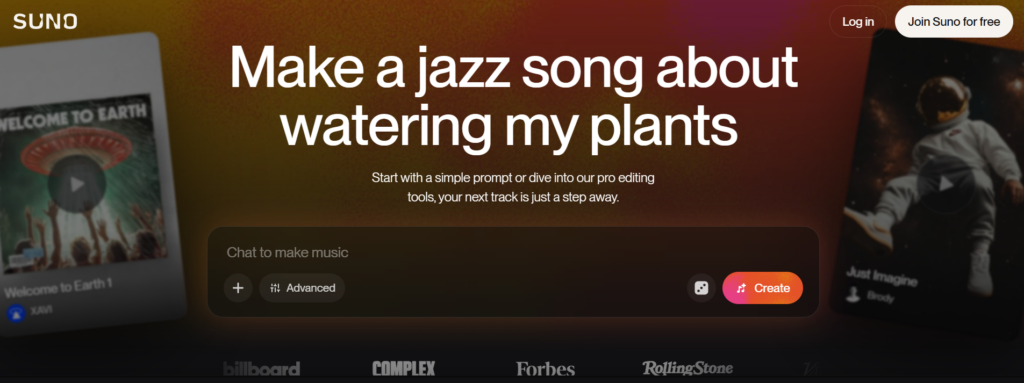
Out of all the tools, I think you’d have seen the most ads for Suno. They have positioned themselves as one of the most popular AI music generators. Suno also has a simple AI chat interface like Soundverse. Make sure your text prompts are detailed to generate the music that you’re looking for.
Main Highlights:
- You can either upload or record your own samples as part of the prompt.
- You can get access to their latest models with the Pro plan or higher.
- Easily save 20% by opting for annual plans.
Pricing:
- Free Plan: $0/month
- Pro Plan: $8/month
- Premier Plan: $24/month
Mureka
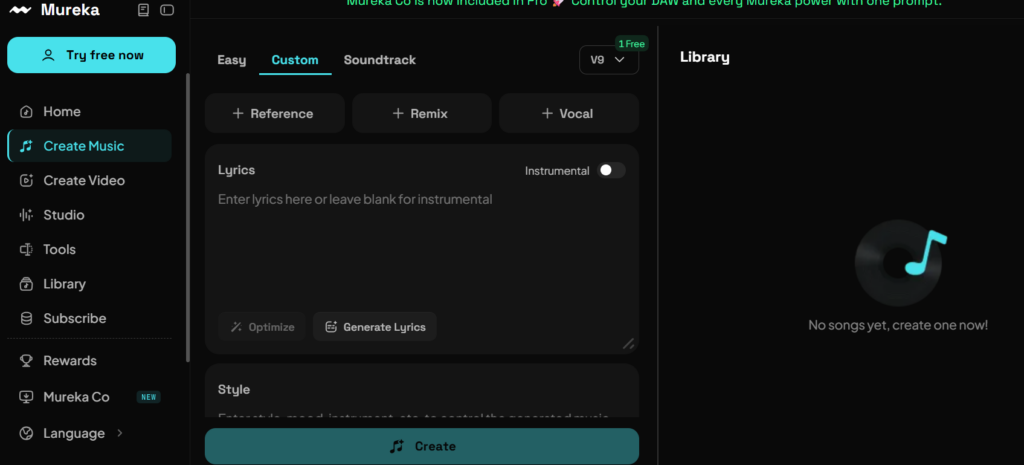
Mureka is one of the well-known AI song generators out there. Apart from music track creation, they also provide features for creating music videos. All you need to do is use the ‘Create Video’ feature, upload your soundtrack, character, and background image. Don’t worry if you don’t have a character for your video. You can easily generate it using the built-in AI tool.
Note: You can also generate a music video without a character.
Main Highlights:
- Is a free trial available for Mureka?: Yes
- Suited more for music producers than casual users.
- Requires some practice to learn all the tools provided.
- Make your character lip-sync to your music video.
Pricing
- Pro plan: $7.17/month
- Premier plan: $21.59/month
AIVA
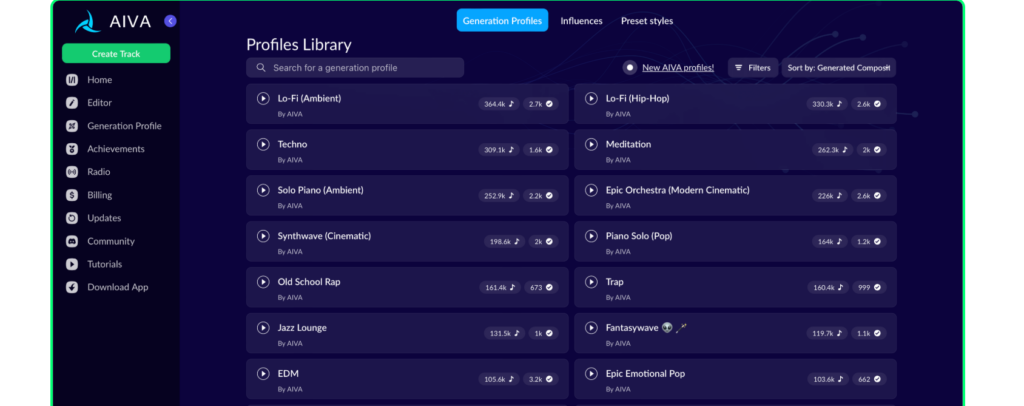
The great thing about AIVA is that you can upload your existing MIDI tracks and edit them. You can check out reviews by YouTubers or refer to AIVA tutorials.
Note: The generated music’s copyrights are owned by AIVA if you have the Free and Standard plans. I’d suggest the Pro plan for full monetization and copyright ownership.
They provide 30% discounts for students & schools on their annual plans, and 15% discounts on their monthly plans. You can reach out to them by filling out their contact form if you’re interested.
Main Highlights:
- You don’t have to credit AIVA if you have a paid plan.
- They have different pricing for individuals, students, and enterprises.
- The track durations are mostly up to 5 minutes.
- Download files in any file format.
Pricing:
- Free forever plan: $0/month
- Standard Annual plan: $12.7/month
- Pro Annual plan: $38.11/month
Concluding Thoughts
You no longer have to be dependent on royalty-free soundtracks to use them in your content. Just make sure that the generated music doesn’t resemble any existing songs, as it won’t take too long before you’re hit with copyright strikes on YouTube.