
The increasing use of AI image editing has been saving a great deal of time for creators. Simple tasks like background removal took minutes using traditional editing. Now, it can be done within seconds for multiple images at a time. As a content creator, doing small edits often takes most of the time. With AI image editing tools, not just do I fix the images, but enhance them using generative fill and expand.
The catch here is that good AI image editing tools come with subscription fees that can add up quickly. This is why today, we will look at AI tools that meet the same quality benchmarks and offer deals and discounts for users.
OpenArt AI
Best for: Generative AI features like image expansion
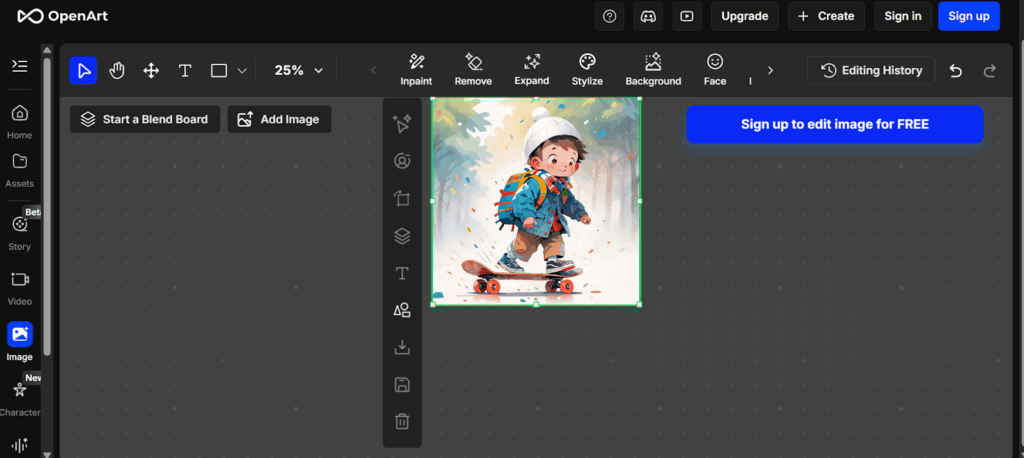
After seeing some of those hyper-detailed portraits, it can be easy to think that it may replace half of your workflow. This is due to the availability of multiple AI models in this tool. Apart from the AI generative features, OpenArt is an effective AI image editing tool. With the Expand feature in their Canvas image editor, one can generate additional parts of images.
The Remove button removes objects and artifacts from your painted area. Want to remove the whole background entirely? It can do that as well with high accuracy. For discounted prices, OpenArt AI offers coupon codes and deals on its Essential, Advanced, and Infinite plans.
Pricing:
- Essential plan: $7/seat/month
- Advanced plan: $14.5/seat/month
- Infinite plan: $28/seat/month
- Wonder plan: $120/seat/month
Highlights:
- OpenArt is one of the major AI tools that offers active coupon codes.
- Features 40 one-time credits on the free plan.
- Inpaint, Remove, Expand, Stylize, and Background are its flagship image editing features.
Aragon AI
Best for: AI editing and generating headshots
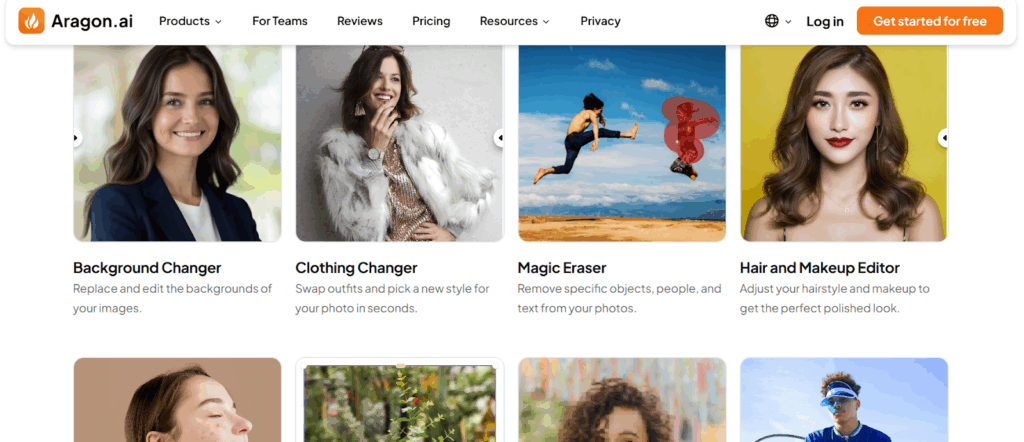
Apart from the individual AI tools, it offers an AI chat editor. With this, you could request the changes you need to the chatbot. Clothing changer, Background changer, Magic eraser, and Image extender are some of the AI editing tools.
This tool is best suited for those trying to craft a perfect headshot for their LinkedIn. You can check out the available discount codes for Aragon before choosing a package.
Pricing (Individual):
- Basic package: $12
- Standard package: $15
- Executive package: $25
Highlights:
- Creative filters, face editing, and blemish remover tools are useful for editing professional headshots.
- Offers coupon codes for discounted pricing
- It is a popular tool for generating high-quality headshots for LinkedIn and other platforms.
Picsart
Best for: Overall AI image editing
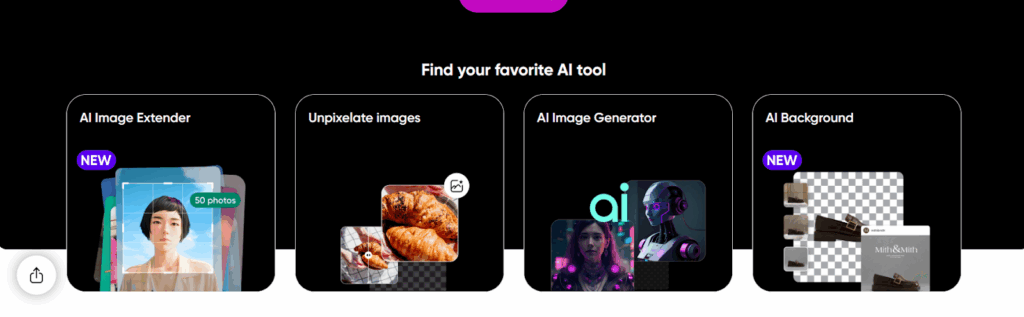
It is important to note that their Pro plan does not include any credits for their API service. With their Ultra plan, you get 2000 AI credits to use the API services with an additional 200 GB of cloud storage. Therefore, this plan is highly suited for bigger teams and organizations with high editing needs.
Pricing:
- Pro plan: ₹266.66/month
- Ultra plan: ₹816.66/month
- Custom plan: For flexible pricing
Highlights:
- Allows bulk editing for up to 50 images at once in the Pro plan.
- Provides AI models like Kling and Flux 2 Pro, along with AI image editing tools.
- Features automation workflows to save time on your creative projects.
Aiarty
Best for: Adding details to your images
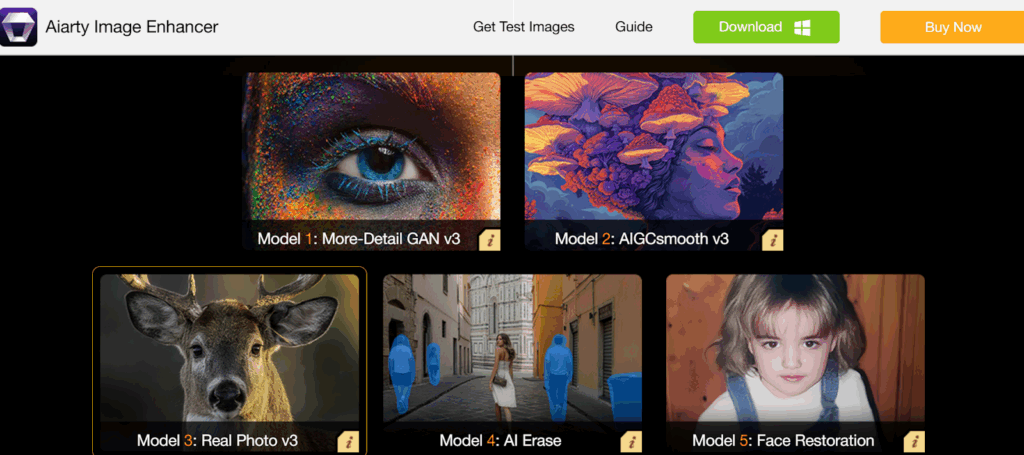
Aiarty focuses on image refinements more than generative AI. The image enhancer is best suited for auto color correction without sliders. Compared to tools like Pykaso AI and OpenArt, Aiarty is about upgrading what you already have. For those who are used to AI chat editing may find Aiarty lacking. When it comes to its special features, it stands out in its balance between automation and output quality.
Pricing:
- Standard License: $75 (billed yearly)
- Lifetime License: $99
Highlights:
- Offers freebies, including an all-in-one video toolkit and an AI Image Matting software.
- Allows specific image tuning for clarity, noise reduction, and additional details.
- Best for refining product images for e-commerce websites.
Pykaso AI
Best for: Editing profile pictures
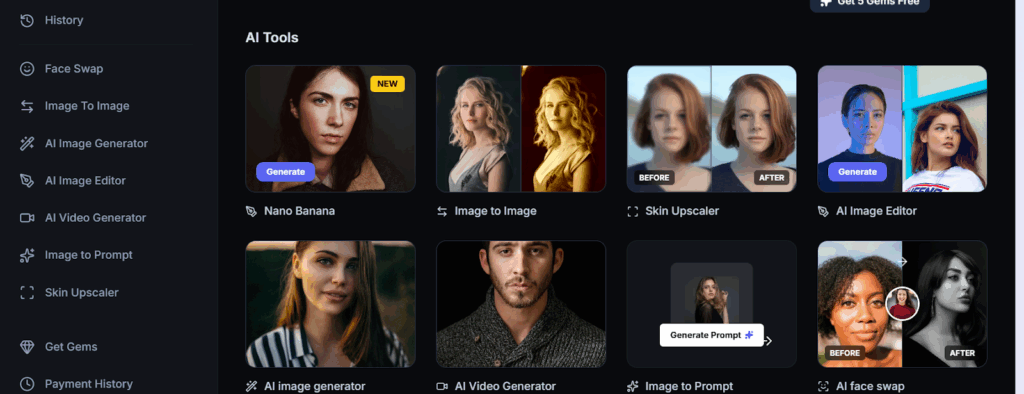
Skin upscaling and AI face swaps are some of the popular features of Pykaso AI. The AI upscaling with style options like natural and cinematic gives you more creative control. Their AI models reduce noise while keeping important details of your face.
They use a concept of “Gems” as AI credits that allow you to use their AI tools. Each AI tool costs you a certain amount of gems per use. You can purchase these gems at a fixed rate from the button below.
Pricing:
Depending on the tool, each use can cost between 0.1 and 8 gems. You can purchase these gems at $0.12/gem. One can use Pykaso coupon codes for discounts on different gem packages.
Highlights:
- Features an intuitive user interface for AI content creators.
- Focuses on a specific use case(AI character images) and image generation.
- Best recommended for output quality rather than quick edits.
Fotor
Best for: Everyday AI creators
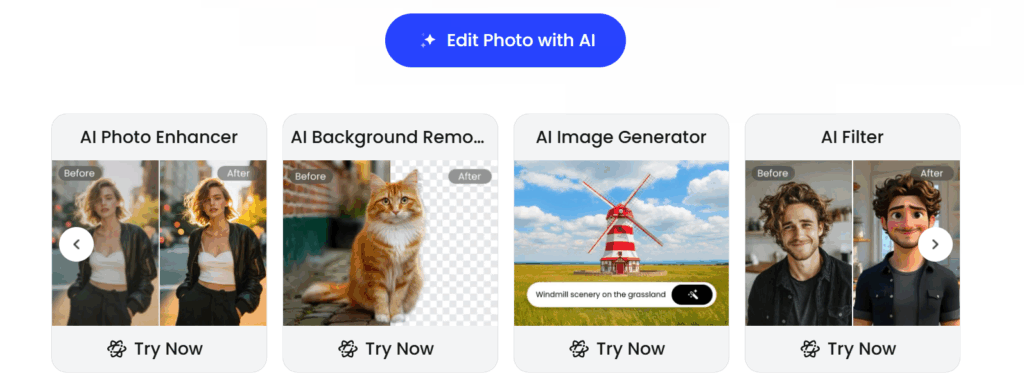
Sharpen image, Denoise image, and Background remover are some of its flagship AI features. Other AI image editing tools allow you to remove objects from the background. Converting your images into an animation style is easy with Fotor’s AI filters. You can also remove a person from the image, as shown above. To pull this off accurately, the AI detects the area and removes it in the final output.
Pricing(Pro plans):
- Fotor Pro: ₹291.58/month
- Fotor Pro+: ₹658.25/month
- Fotor Max: ₹1,007.3/month
Highlights:
- Look for active Fotor offers to save on AI tools.
- Offers flexible pricing depending on credits purchased.
- Has the best AI background removal & AI compared to Pykaso AI.
Photo AI
Best for: Changing backgrounds and scenarios
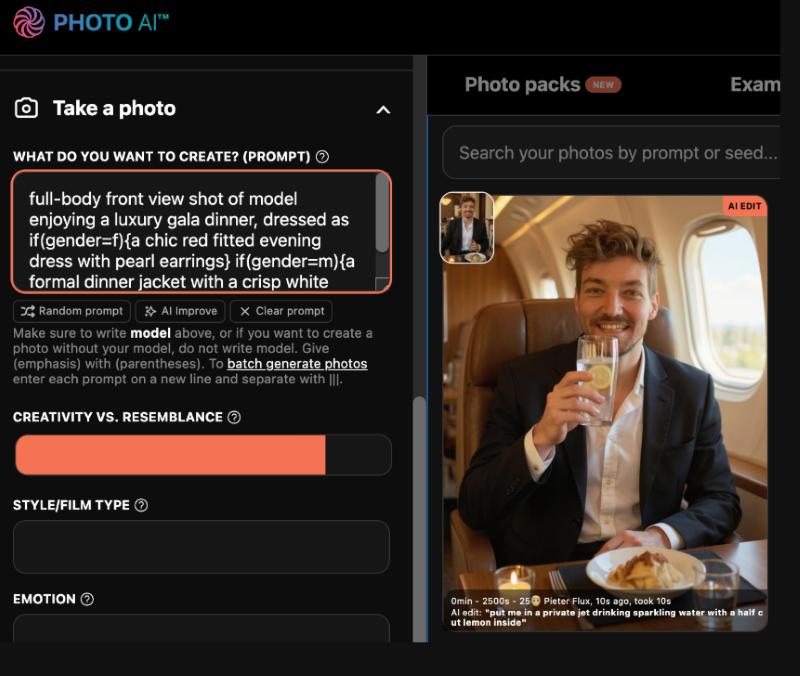
Photo AI is great at putting you in different scenarios, e.g., on a beach/airplane. This
It balances your facial tones and refines skin features using learned facial models. It is actually designed to optimize human faces, making it useful for creators and influencers. Working with Magic edit requires no manual tools and can be done with AI chat. Therefore, to avoid going overbudget, Photo AI also offers deals for the following plans.
Pricing(Billed Annually):
- Starter plan: $9/month
- Pro plan: $29/month
- Max plan: $49/month
- Ultra plan: $99/month
Highlights:
- Worth the investment if your face/identity is part of your business.
- It learns from your editing history to refine your future outputs.
- Offers the tool for 6 months free on yearly plans
PhotoWhoa
Best for: Finding AI image editing tools
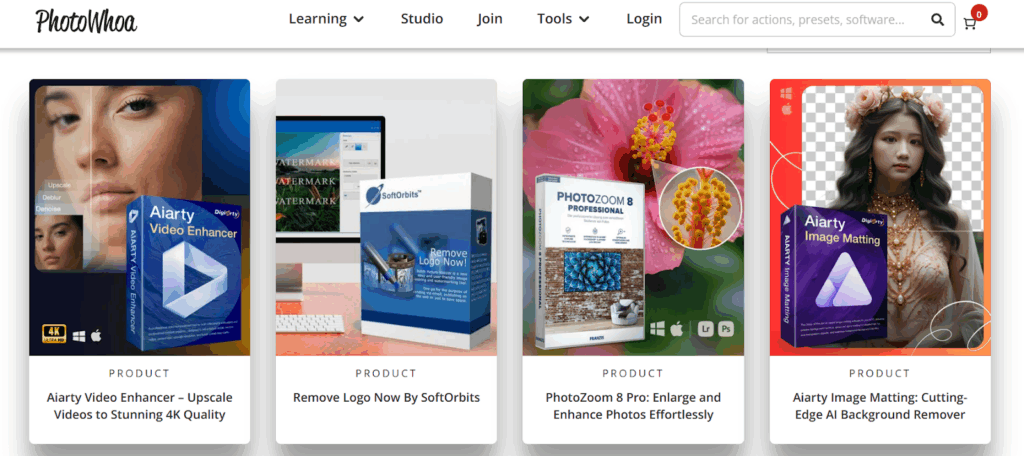
Unlike other tools, Photowhoa is a marketplace for finding AI editing tools that suit your needs. It lets you choose specialized AI tools based on specific outcomes like image matting, object removal, and artistic transformations. Apart from AI photo editing tools, find expert-led masterclasses with clear outcomes.
Pricing:
As a marketplace, prices for AI editing software can range anywhere from $20 to $100. To save on these purchases, it is recommended that you use active coupon codes for Photowhoa.
Highlights:
- A platform for finding retouching tools and AI editing bundles.
- Also offers tutorials and courses to better learn these AI tools.
- The listed tools balance practical needs (cleanup, upscaling) and creative outputs (art styles like Ghibli).
Pixlr
Best for: AI Object removal from the images
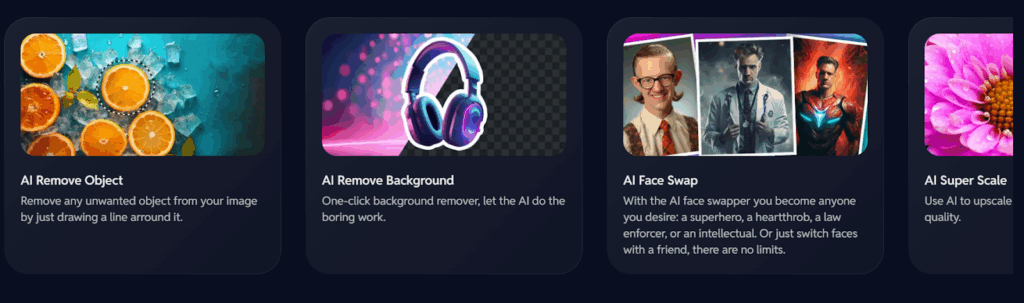
Pixlr Express is Pixlr’s flagship AI photo editor for creative workflows. It offers separate tools for separate AI designing needs. Some of these AI tools include:
- Remove bg: For erasing background
- Pixlr Designer: For animating content
- Batch editor: For bulk photo editing
The Plus plan is not recommended for big teams as it only offers 80 monthly credits. This limit will be easily exhausted within a couple of days. Which is why I recommend going for the Premium plan with 1000 monthly credits.
Pricing:
- Plus plan: $2.49/month
- Premium plan: $9.99/month
Highlights:
- Affordable base prices compared to other AI tools.
- The premium plan offers a library of fonts, templates, and animations.
- Features a private mode for AI generations with unlimited saves.
- Offers deals and coupons from time to time for discounted pricing.
Conclusion
By checking out the linked offers, you could get these tools at discounted prices while still getting pro-level results. If you prefer AI generative features, then OpenArt AI is a suitable option. On the other hand, an affordable alternative to it is Photo AI. The only limitation for are its use cases and features. Other mentioned are suitable for special use cases like custom avatar creation and profile picture editing. The unique AI platform is Photowoah. Rather than a