
Today, there are so many alternatives for designers searching for Canva alternatives. You won’t need to spend on the tools and features you would use. This is why I have curated a list of tools that are suited for different use cases and overall design processes.
VistaCreate
Best for: Designing social media posts & flyers
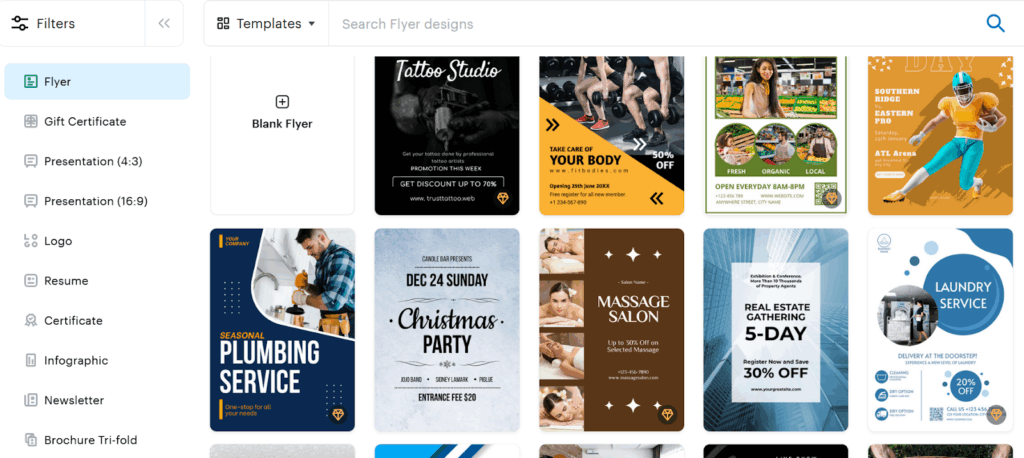
Apart from animated effects, it’s popular for AI image generation and AI object removal. You can create posts, stories, and reels for social media using customised templates. Their template library and drag-and-drop interface make designing easy for beginners. Motion-based media helps you stand out, as we are exposed to so many static images these days. This is when applying ready-to-use animated effects can boost user engagement.
Pricing(Annual):
- Starter plan(Free): $0
- Pro plan: $10/month
Highlights:
- Features 100k+ design templates with the free plan.
- AI generations are only available with the Pro plan.
- The Pro plan limits AI credits to 100 per month.
Pixlr
Best For: Quick Edits
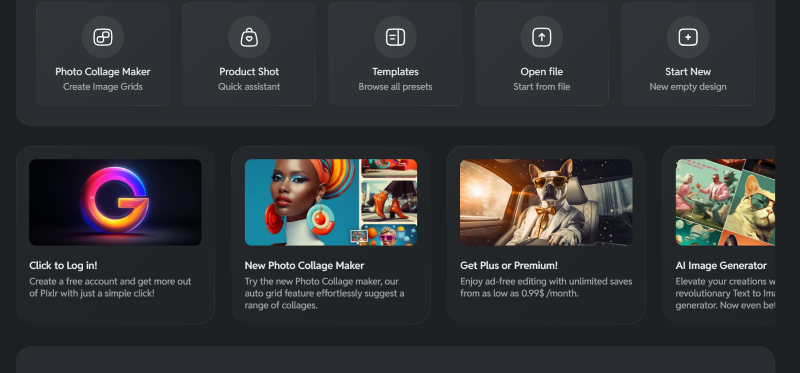
Like Canva, Pixlr is a browser-based design tool. One can easily edit and create graphics for personal use. For advanced image generation, it is integrated with Nano Banana AI. It also offers a suite of tools:
- Pixlr E: An editor for editing your images and designs.
- Pixlr D (Designer): Provides templates helpful in graphic design
- Pixlr X (Express):
Is Pixlr Available for Mac?
Yes, Pixlr is available on Mac and Windows, as it is a browser-based design tool.
Pricing(Annual):
- Plus plan: $1.49/month
- Premium plan: $6.49/month
Highlights:
- Provides basic editing tools like resize, crop, filters, and custom layers.
- Their AI features include AI background removal, auto-enhance, and object eraser.
- Supports common import formats like
LogoAI
Best for: Crafting logo mockups using AI
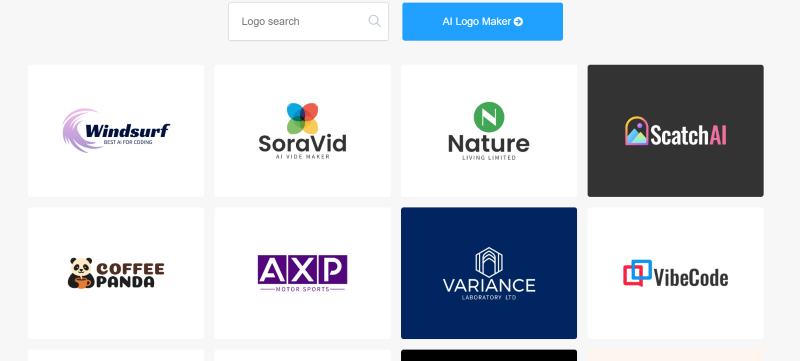
LogoAI is an AI design tool that helps you generate logo mockups, presentations, and logo animations as vector files. Unlike other design tools, LogoAI offers one time payment model rather than a subscription. You only need to pay to download the logo you want to use. The vector files can be enlarged without losing image quality before downloading in SVG and PDF formats.
Pricing:
- Basic package: $29
- Pro package: $59
- Brand package: $99
Highlights:
- You can make changes to the logo name and symbol for 3 days after the purchase.
- With LogoAI, you only pay for the logo you want to use.
- High-resolution images are only available with Pro and Brand packages.
- Brand presentations can be crafted with LogoAI’s Brand package only.
PaintShop Pro
Best for: Graphic design and retouching.
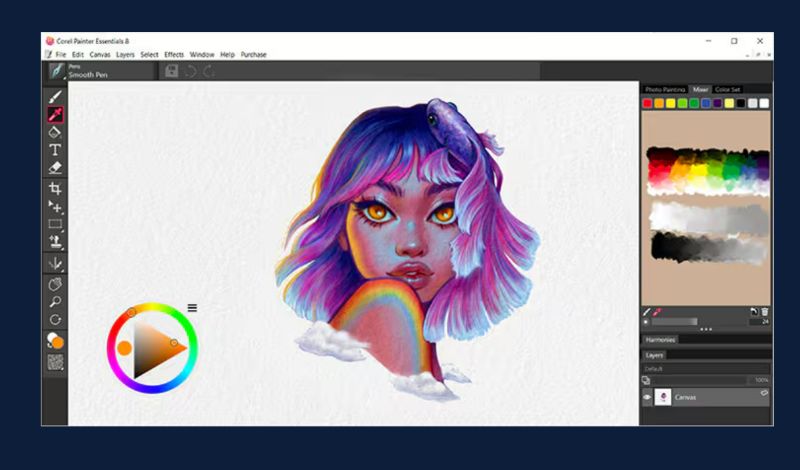
PaintShop Pro is a great alternative as a desktop-based design software with non subscription model. It is meant more for detailed design rather than for speed, like Canva. This allows you to maintain more design control, which is recommended for creating graphics.
Pricing(One time purchase):
- PaintShop Pro package: ₹6,899
- PaintShop Pro Ultimate package: ₹8,599
- Photo Video Bundle Ultimate: ₹10,330
Highlights:
- Improve your photos with quick fixes using clone, retouch, and remove red-eye.
- Its new Focus stacking feature helps blend multiple images in the same scene at different focus distances.
- Supports industry-standard import and export formats.
Free Alternative: Affinity
Best for: Advanced AI Editing
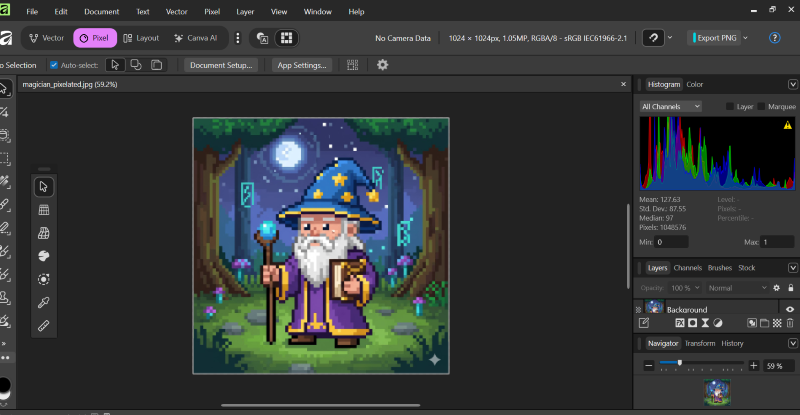
Even though Affinity is an extension of Canva for advanced designing, users can download and access it for free. All you need is a free Canva account to start using this tool. Affinity offers advanced tools such as advanced raster manipulation, CMYK support, and Vector & Design tools.
These features help in detailed design and photo manipulation that Canva does not offer. The premium plan gives you access to ‘Affinity with AI’, featuring Generative Fill, Magic Edit, and other AI tools.
Highlights:
- Suited for advanced image editing.
- Provides offline access.
- Offers generative AI features like local AI upscaling and AI vectorization.
- You can process larger files on this application than on browser-based Canva.
- Allows local file storage and features additional tools compared to Canva.
Conclusion
You can go for Affinity using Canva’s Pro plan and PaintShop Pro for overall designing needs. VistaCreate and Pixlr templates would be my recommendation for crafting specific Instagram posts or a YouTube intro